
01
Do people start from packaging, a poster, or a printed code?
Use marker-based AR.
The physical asset becomes the trigger, so scans feel instant and controlled.
Augmented Reality Development Company
EggyStudio designs marker-based AR, markerless AR, image detection AR, WebAR, model tracking AR, and location-based AR for brands that need immersive experiences to load fast, look premium, and drive measurable action.
Choose The Right AR Service
The best AR experience is not chosen by trend. It is chosen by how people enter, what the camera needs to recognize, where the content must stay anchored, and what business metric the experience has to move.
Use marker-based AR.
The physical asset becomes the trigger, so scans feel instant and controlled.
Use markerless AR.
Plane detection and world tracking let products sit naturally on floors, walls, tables, or open surfaces.
Use WebAR.
A browser link removes install friction and works well for campaigns, ecommerce, and events.
Use model tracking AR.
The physical product or machine becomes the anchor, even as it is moved or rotated.
Use location-based AR.
Geospatial anchors, GPS, compass, and VPS-style flows connect content to coordinates.
Five Types Of AR
Use this section as a quick service map. If a visitor already knows they need WebAR, model tracking, image detection, or location AR, they can confirm it in seconds. If they do not, the examples make the choice obvious.
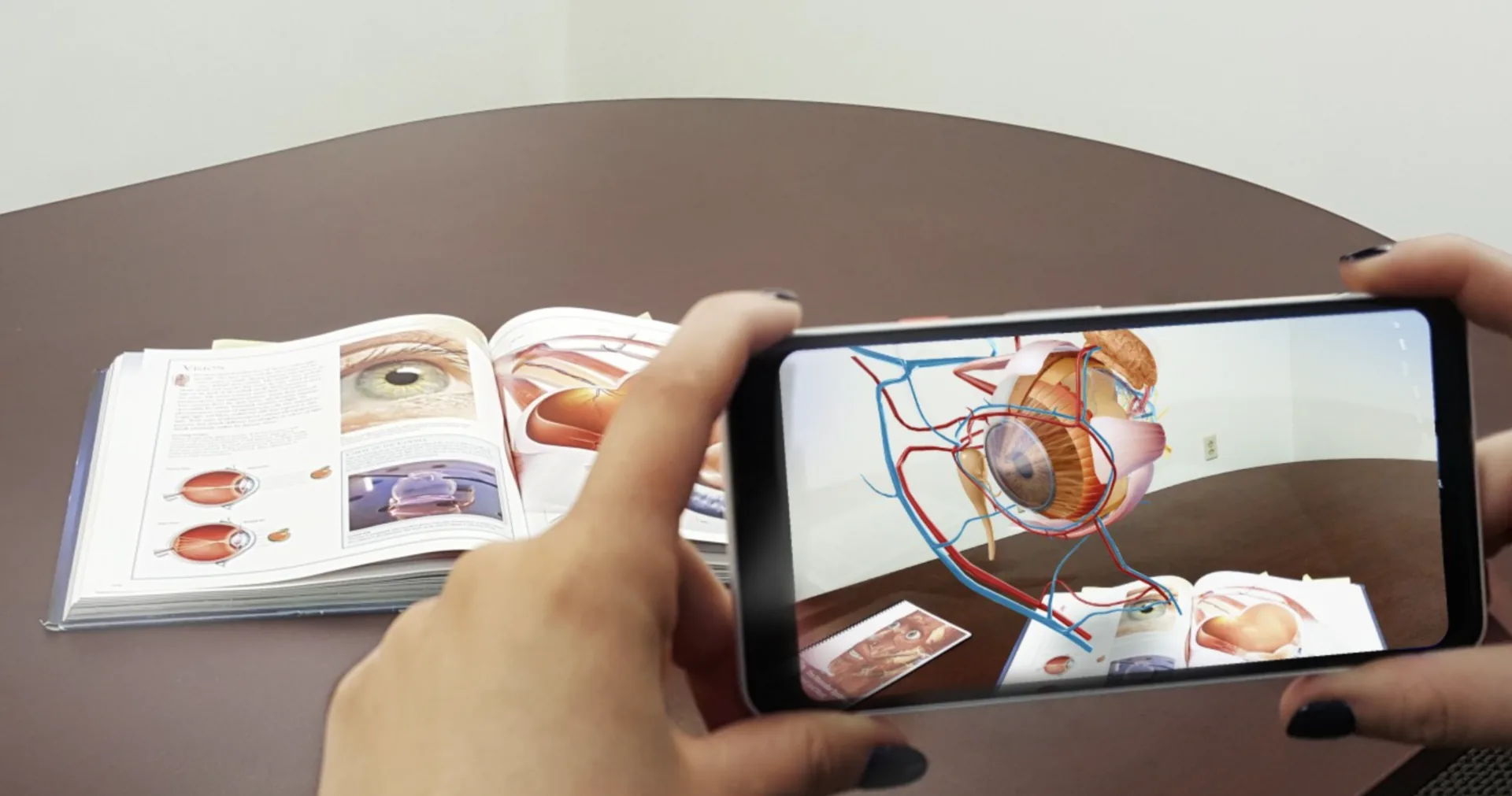
Marker-based AR uses a printed target, QR code, package label, poster, logo, or catalog image as the launch anchor. When the camera recognizes the marker, the experience locks 3D content, animation, video, or instructions to that exact visual.
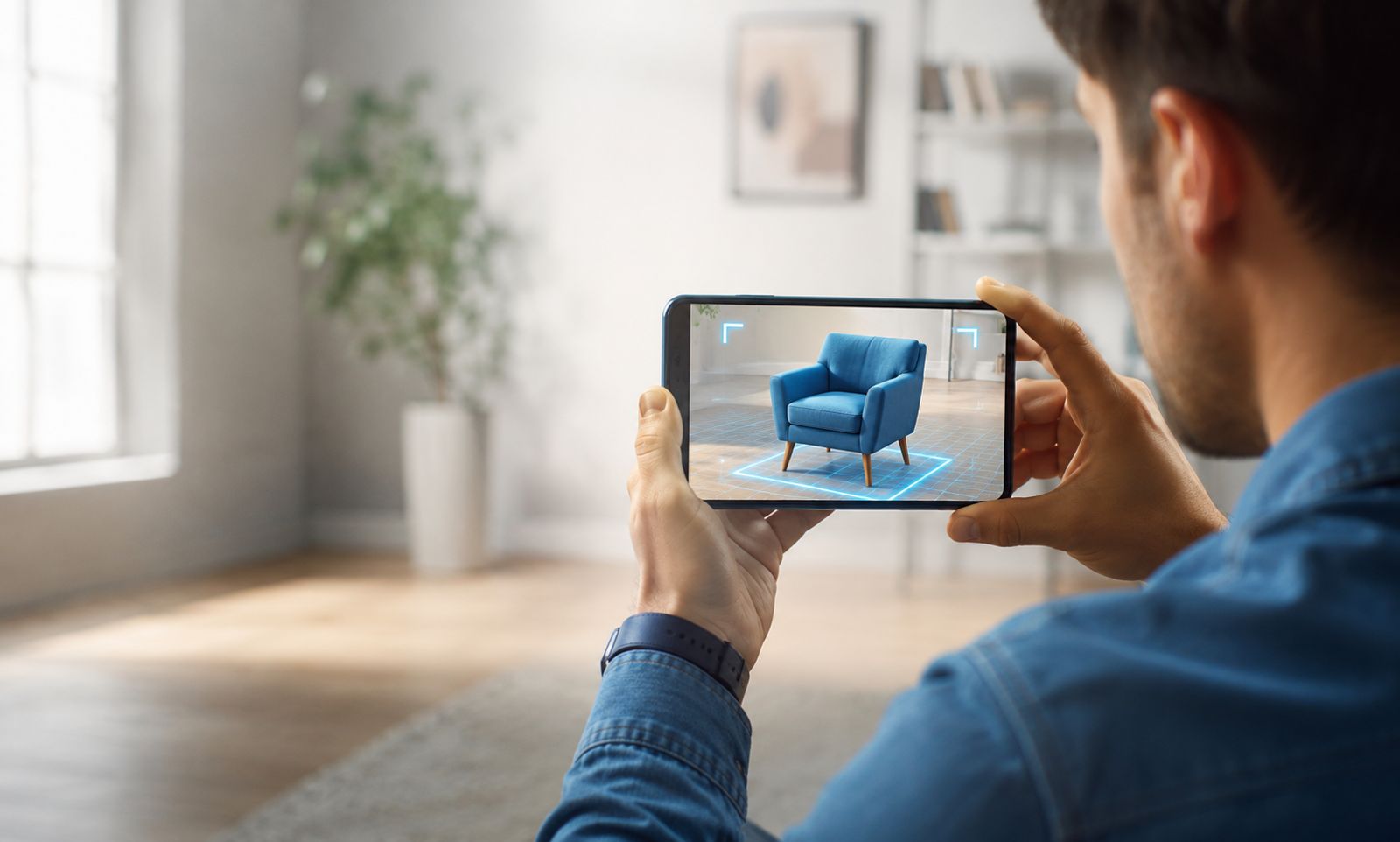
Markerless AR uses SLAM, plane detection, image recognition, and environmental understanding so users can place digital products into a room or recognize real-world images without depending on a visible printed marker.
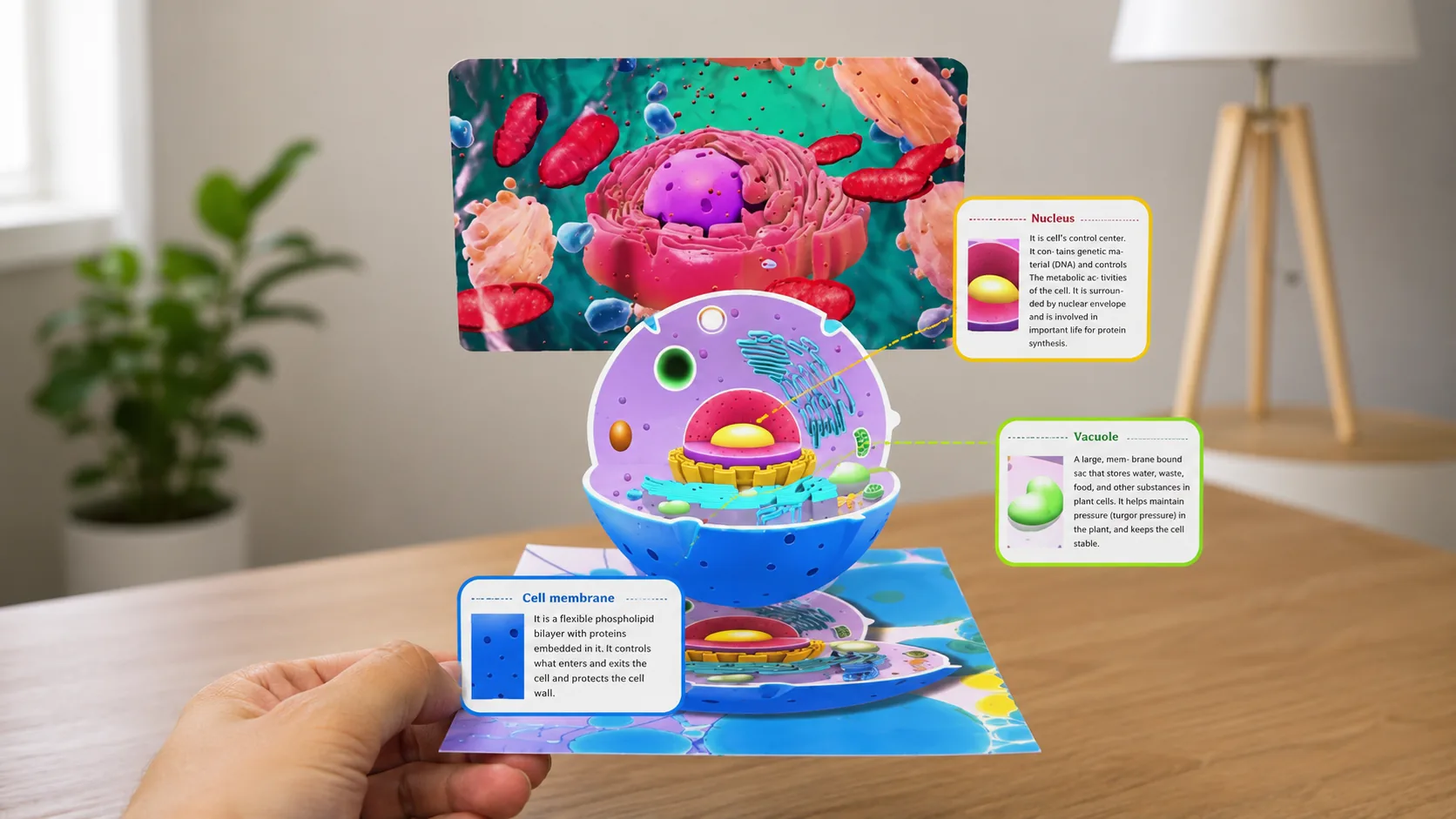
WebAR runs inside Safari or Chrome from a link or QR code. It is the fastest way to launch AR for marketing, ecommerce, product previews, and event activations because users can enter the experience without installing an app.
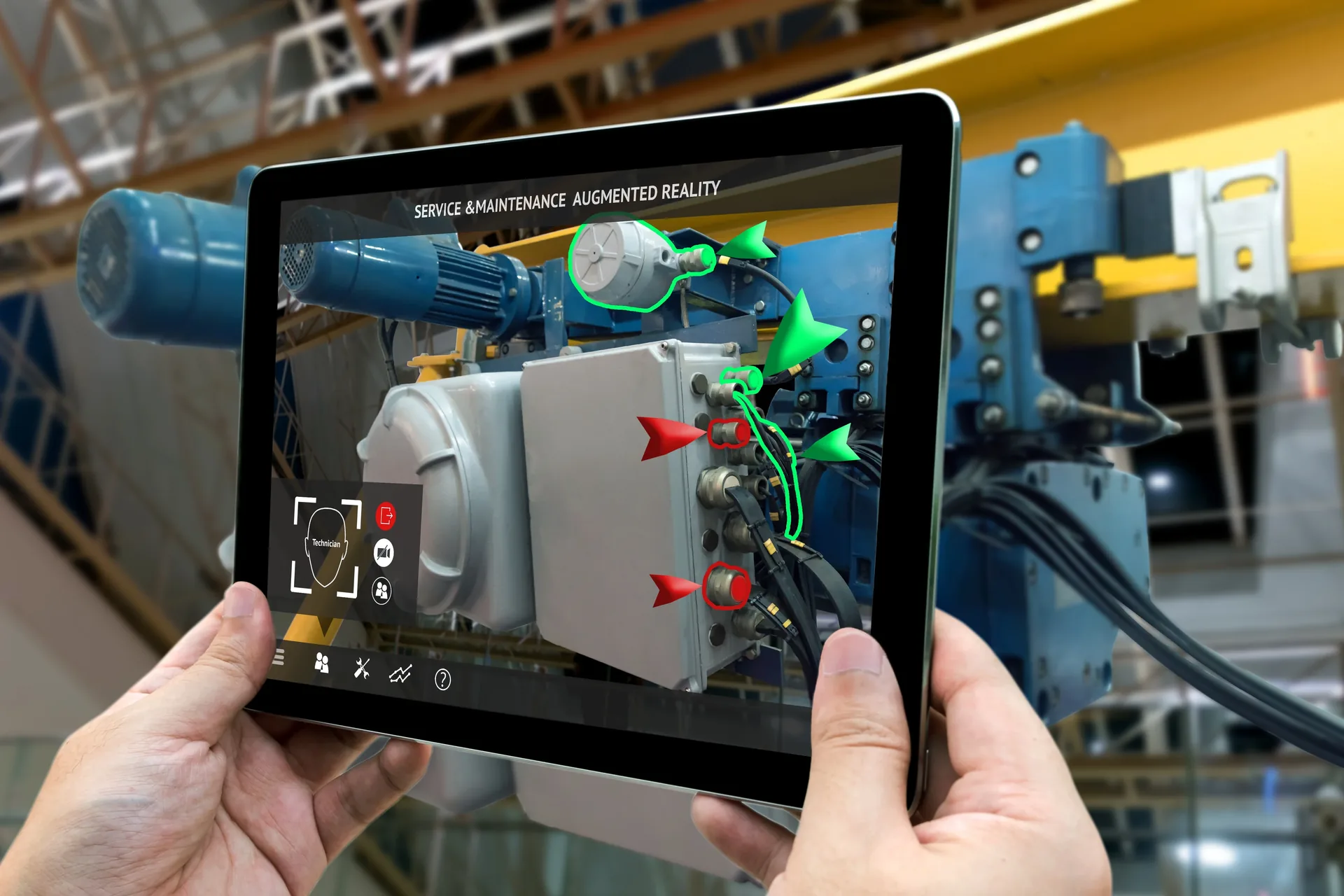
Model tracking AR recognizes a specific physical object by shape, scale, and silhouette. Digital overlays stay attached while the object moves, making it ideal for real equipment, products, vehicles, machines, and guided assembly.
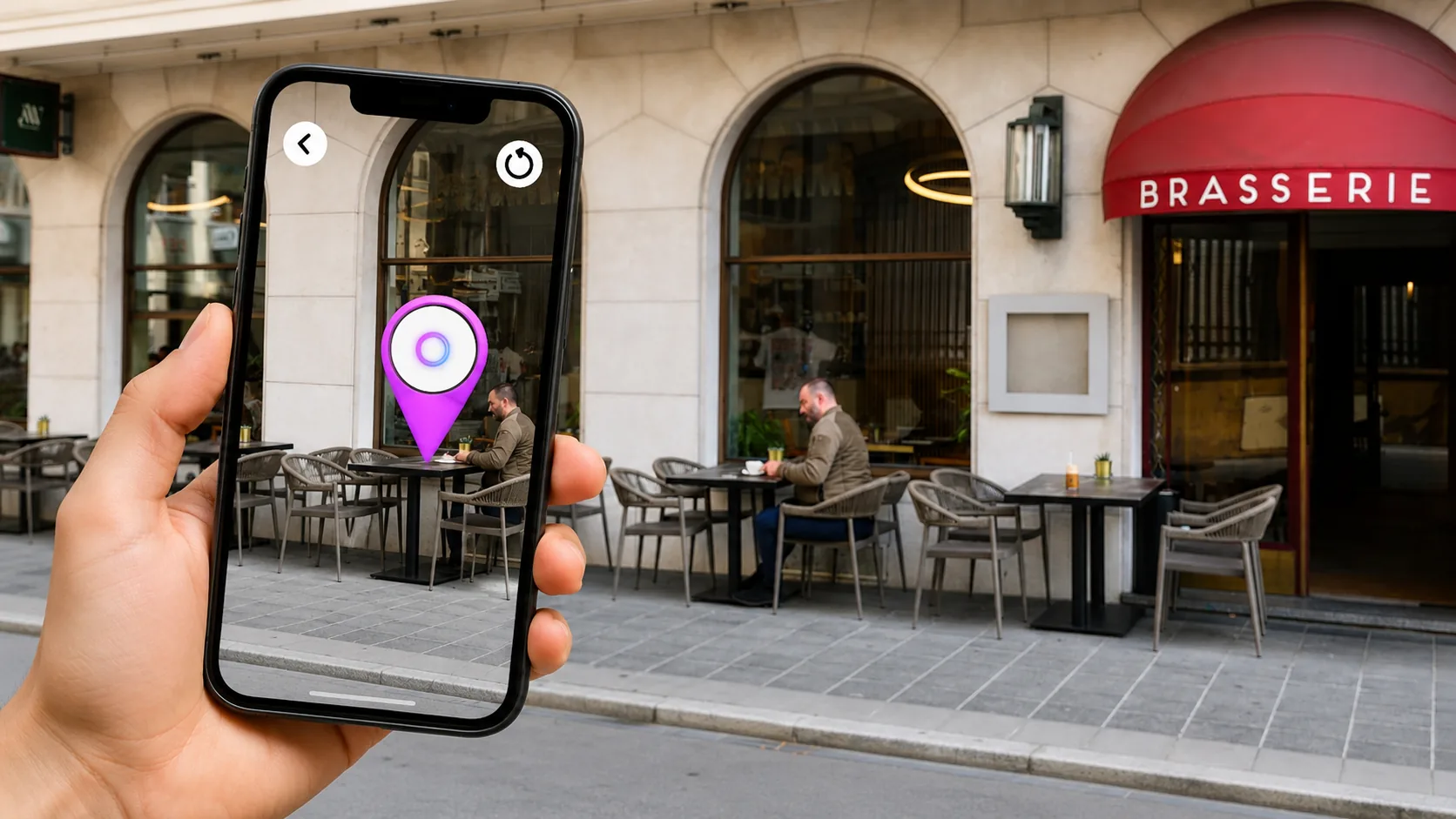
Location-based AR uses GPS, compass, geospatial anchors, visual positioning, and device sensors to reveal content at real-world coordinates. It works best when the experience depends on where the user physically stands.
Where AR Creates Value
01
Retail & Ecommerce
WebAR and markerless AR help shoppers preview furniture, eyewear, makeup, accessories, packaging, or product scale before buying.
02
Real Estate
AR staging, floor-plan overlays, property labels, and location-aware tours make listings easier to understand from mobile.
03
Marketing & Events
QR-launched AR campaigns can connect billboards, packaging, booths, and social posts to analytics-friendly interactive content.
04
Training & Field Service
Model tracking and object-aware overlays guide technicians through assembly, repair, safety, and onboarding workflows.
05
Museums & Education
Marker-based exhibits, anatomy explorers, historical overlays, and lesson modules help people learn by moving around content.
06
Tourism & Venues
Location-based AR can power walking tours, campus maps, venue quests, wayfinding, and geofenced brand activations.
AR Development Stack
We choose the stack around the experience: native ARKit or ARCore when performance and device integration matter, WebAR/WebXR when reach matters, and Unity or Three.js when the interaction model needs custom 3D behavior.
How We Build
We decide whether users enter through QR, link, app, product page, kiosk, signage, map, or headset.
Marker, surface, image, object, face, body, geo, or persistent world anchor. The tracking choice shapes the build.
We test the camera flow, scale, lighting, 3D asset weight, browser support, and interaction model early.
Models are compressed, textures are tuned, scenes are profiled, and fallbacks are built for mobile performance.
We track scans, load time, dwell, taps, conversion events, and drop-off points so the experience can improve.
SEO + GEO Friendly Summary
Choose marker-based AR when a printed visual, QR code, package, label, or poster should trigger the experience.
Choose markerless AR when people need to place products or content into their own real environment.
Choose model tracking AR when overlays need to stay attached to a specific physical product, machine, or object.
Choose location-based AR when content should appear only at a venue, city, campus, property, landmark, or mapped coordinate.
Common Questions
These are the questions teams usually ask before starting an augmented reality project.
AR development is the process of building software that overlays digital content — 3D models, animations, text, or interfaces — onto the real world in real time, viewed through a phone camera, tablet, or headset. Unlike VR, AR doesn't replace your surroundings; it adds to them.
Still deciding which AR path fits your project? Visit our FAQs page if you have any questions, then reach out when you are ready.
Tell us what you're building. We'll map the fastest path from idea to shipped product.
Email Directly